Dashboard
The Dashboard gives you a quick, read-only overview of your voice agent operations the moment you log in.
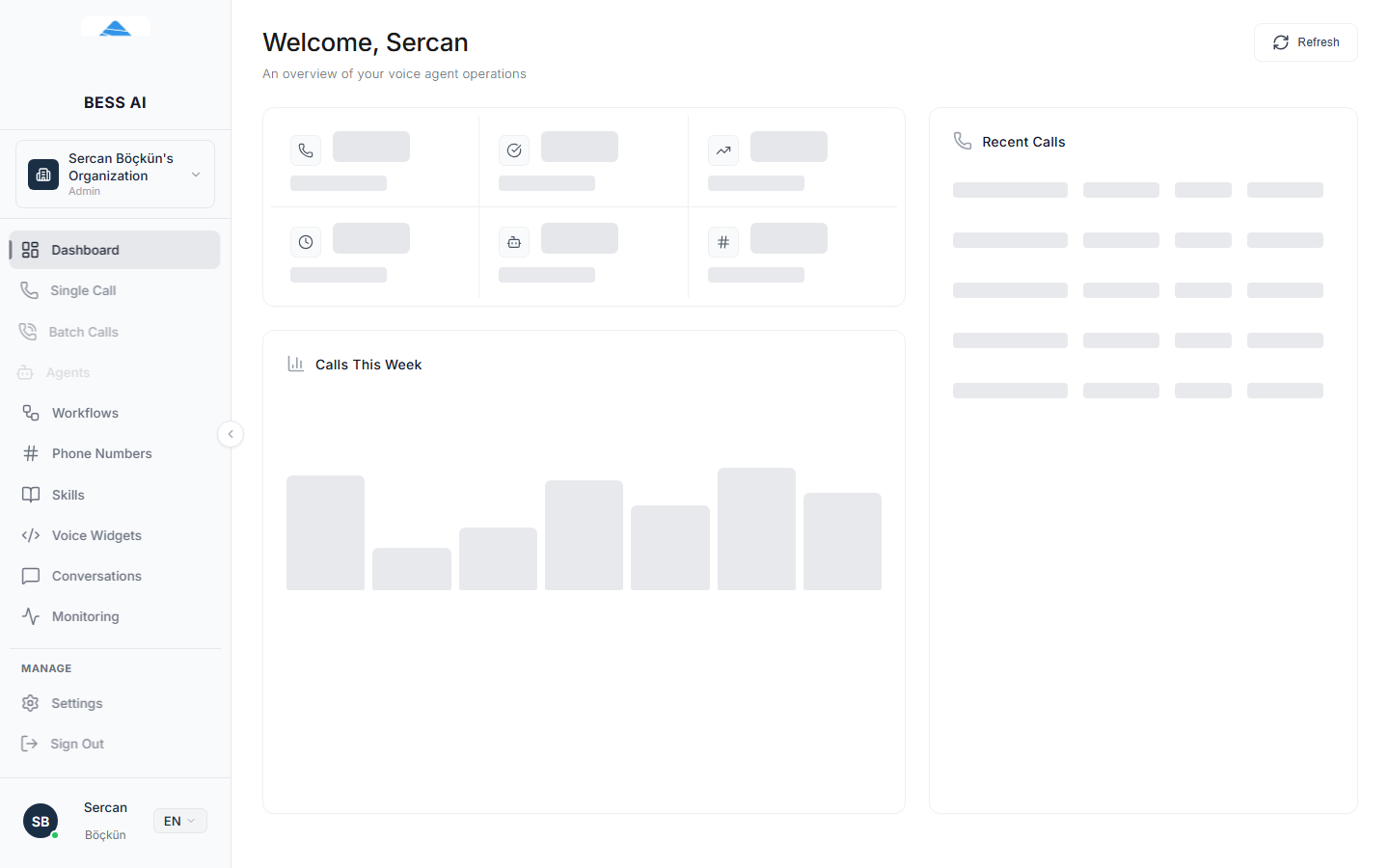
Page header
At the top of the page you will see:
- A welcome header with your name.
- The subtitle An overview of your voice agent operations.
- A Refresh button. Click it to reload every number and chart on the page with the latest data.
note
The Dashboard is read-only. You cannot start calls or edit agents here — it is a summary of activity. Use the other pages in the sidebar to take action.
Stat cards
Six cards summarize your account at a glance:
| Card | What it shows |
|---|---|
| Total Calls | Every call your agents have made or received. |
| Completed Calls | Calls that finished normally. |
| Success Rate | The share of your calls that completed successfully. |
| Avg Duration | The average length of a call. |
| Active Agents | How many of your agents are ready to take calls. |
| Phone Numbers | How many phone numbers are connected to your account. |
Calls This Week
The Calls This Week chart plots your call volume day by day for the current week. Use it to spot busy days, confirm that a campaign actually ran, or notice a sudden drop in traffic.
Recent Calls
The Recent Calls panel lists your latest calls with these columns:
- CALL INFO — the number involved and which agent handled the call.
- STATUS — the outcome of the call.
- DURATION — how long the call lasted.
- SENTIMENT — the caller's overall mood, analyzed after the call.
- TIME — when the call happened.
If you have not made any calls yet, the panel shows No calls yet with the hint Create an agent and make your first call!
Typical first-visit flow
- Log in. The Dashboard opens automatically.
- Glance at the six stat cards to check overall health.
- Look at Calls This Week to see how volume is trending.
- Scan Recent Calls for any failed or unusual calls.
- Click Refresh whenever you want up-to-the-minute numbers.
Troubleshooting
- All cards show zero. You have not made any calls yet. Create and publish an agent, connect a phone number, then place a call from the Single Call page.
- The numbers look stale. Click Refresh. The page does not update itself continuously.
- A call is missing from Recent Calls. The panel shows only the most recent calls. Open the Monitoring page for the full call history with filters and exports.